The small things add up.
Keep daily spending in one place, with a photo of the receipt when you need it.
Everyday expenses, receipts and the details behind them. Keep them together in an encrypted ledger on your iPhone.
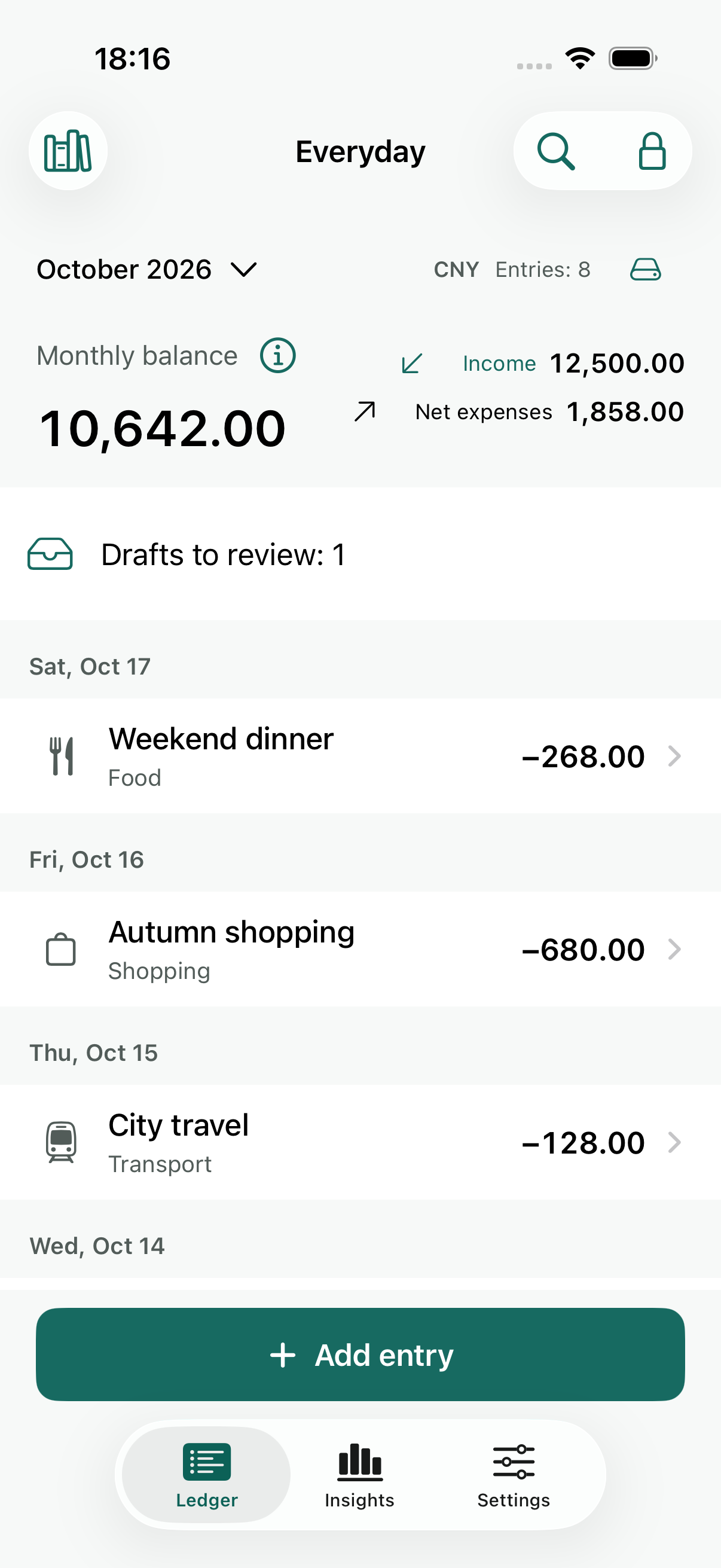
Development preview · Illustrative entries
Some expenses need more than a number. Keep the receipt, the note and the reason right alongside the entry.
Keep daily spending in one place, with a photo of the receipt when you need it.
Add an audio note. Optional on-device Apple speech recognition helps turn supported languages into text.
Review your records with charts, then export a PDF when you choose to share.
Add an expense and keep a receipt photo or audio note with it.
Local OCR can prepare a draft. Review the amount and details before saving.
Revisit your records and charts. Optional encrypted backups help you keep a separate copy.
Planned launch pricing. Local App Store prices and availability may vary. The app is not yet publicly available.
One ledger, unlimited entries. Recording, OCR, voice, charts, PDF export, security and backup/restore are all included.
Multiple ledgers and alternate app icons. One-time purchase, no subscription.
Not yet. LedgerLatch 1.0 has been submitted to Apple and is waiting for review. Approval and a release date are not guaranteed. This site will link to the public listing after release.
No. LedgerLatch is designed around local storage on your iPhone, with no app server account, ads or tracking.
The optional speech feature uses on-device Apple speech recognition where supported. Unsupported languages do not silently fall back to cloud recognition.
No. Exported PDFs are ordinary files outside the app’s encrypted storage. Choose where you save or share them carefully.
Use a strong, unique password of at least eight characters. Face ID is optional. Keep an encrypted backup if you want a separate copy; encryption is not a substitute for a safe device and careful backup habits.